Clipboard Manager
Search and reuse what you copy.
Explore Clipboard Manager →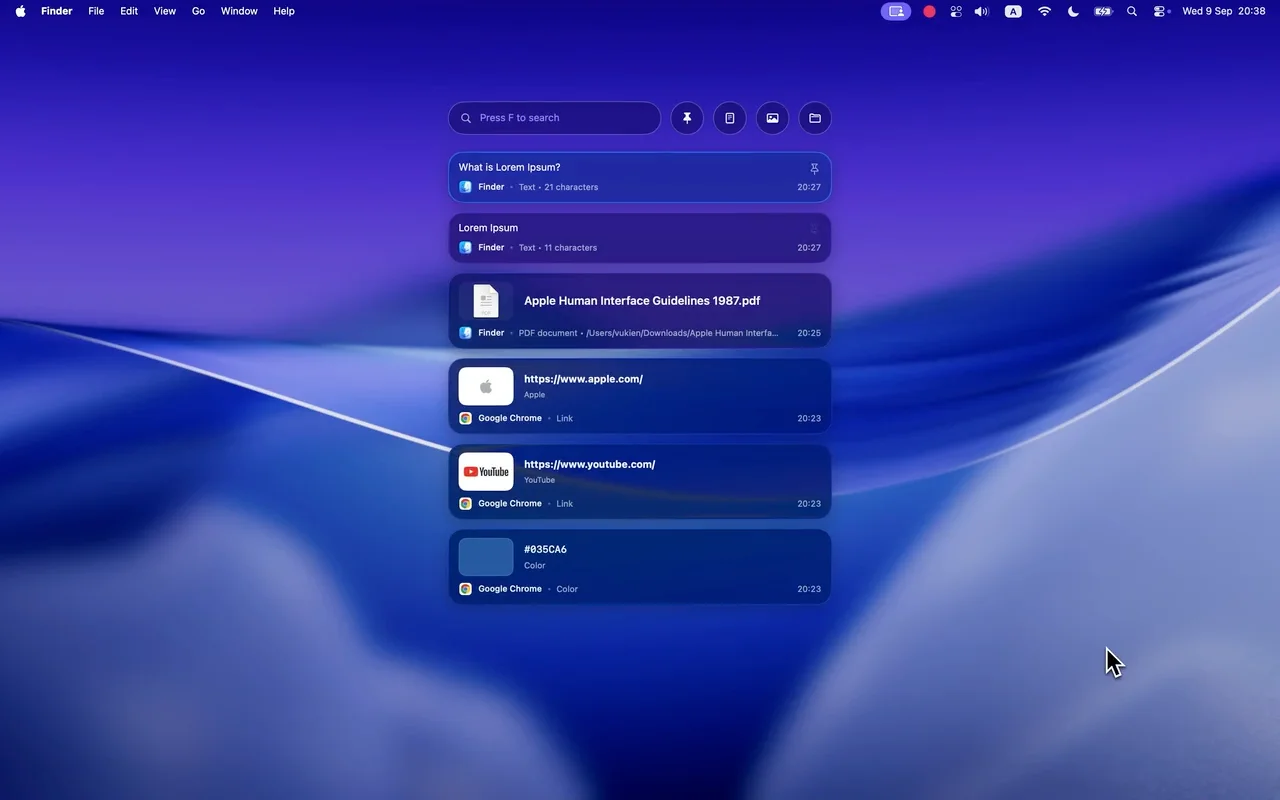
All tools
DeskUtils puts 12 everyday tools in one menu bar app for macOS 15.2 and later. Start with Screenshot, Clipboard Manager and Quick Ring, then switch on the smaller utilities when you need them.
Start here
Search and reuse what you copy.
Explore Clipboard Manager →Capture, annotate and blur in one flow.
Explore Screenshot →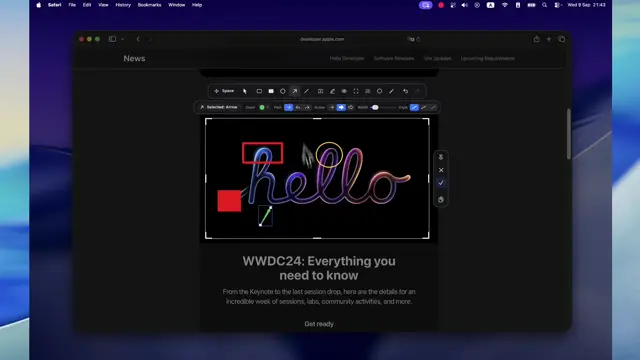
Eight actions, press ⌘ twice.
Explore Quick Ring →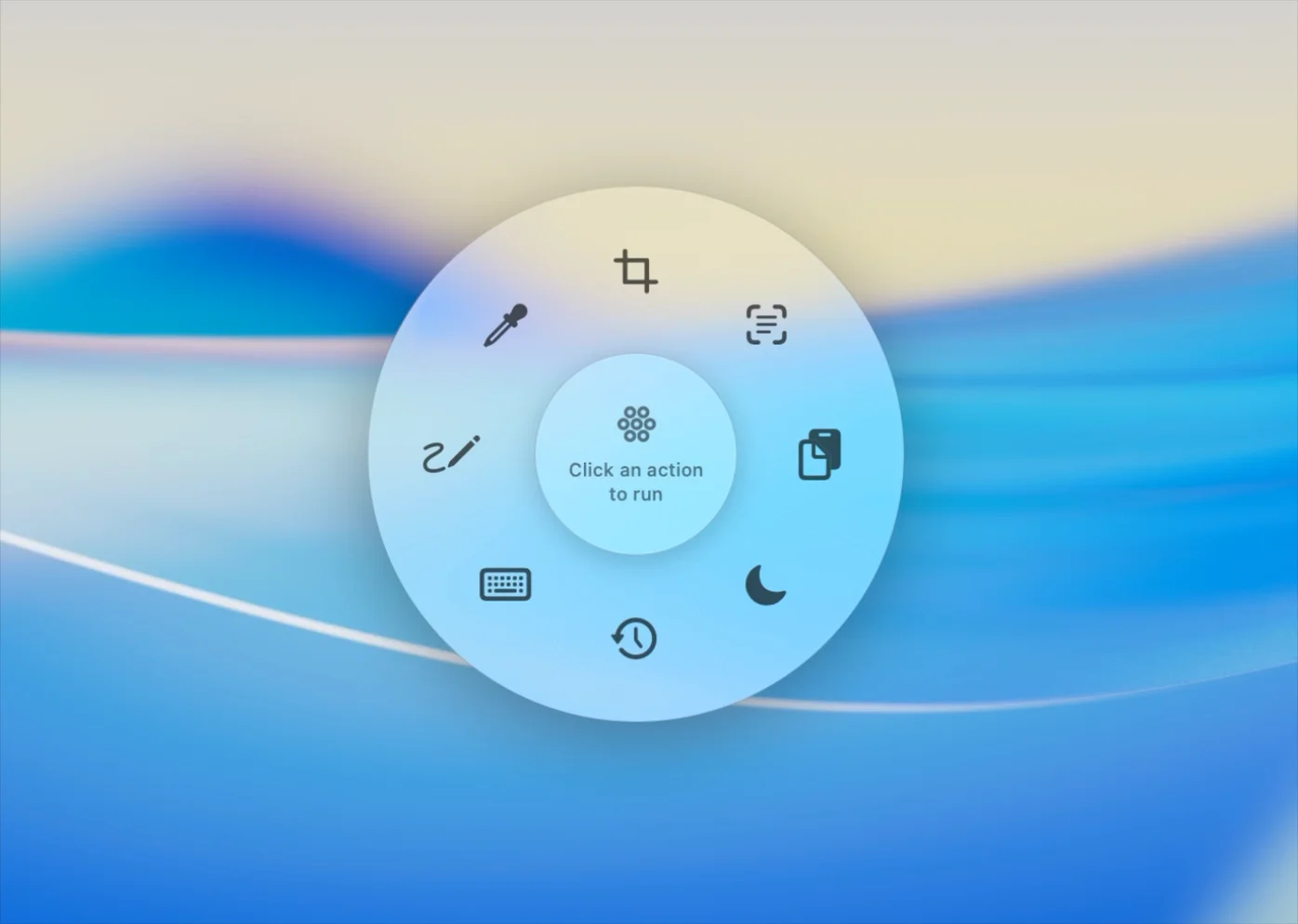
All 12 tools
Turn what’s on screen into a clear image or a precise color.
Get text and content back without retyping it.
Keep long tasks running and your keyboard under control.
Adjust your screens and check how your Mac is doing.
Some tools sound alike. Here’s how they differ.

Requires macOS 15.2 or later